top of page

Vesta
VESTA TRAINING
Video tutorials
Learn how to use Vesta Pro with our training capsules and manual.

03:08
017 - Personaliser la structure de votre rapport
Apprenez à modifier la structure de votre rapport d’inspection afin d’en retirer les éléments non pertinents au bâtiment inspecté. Vous découvrirez également comment personnaliser les textes génériques (introduction, certificat, considérations importantes, conclusion) de votre rapport.
07:03
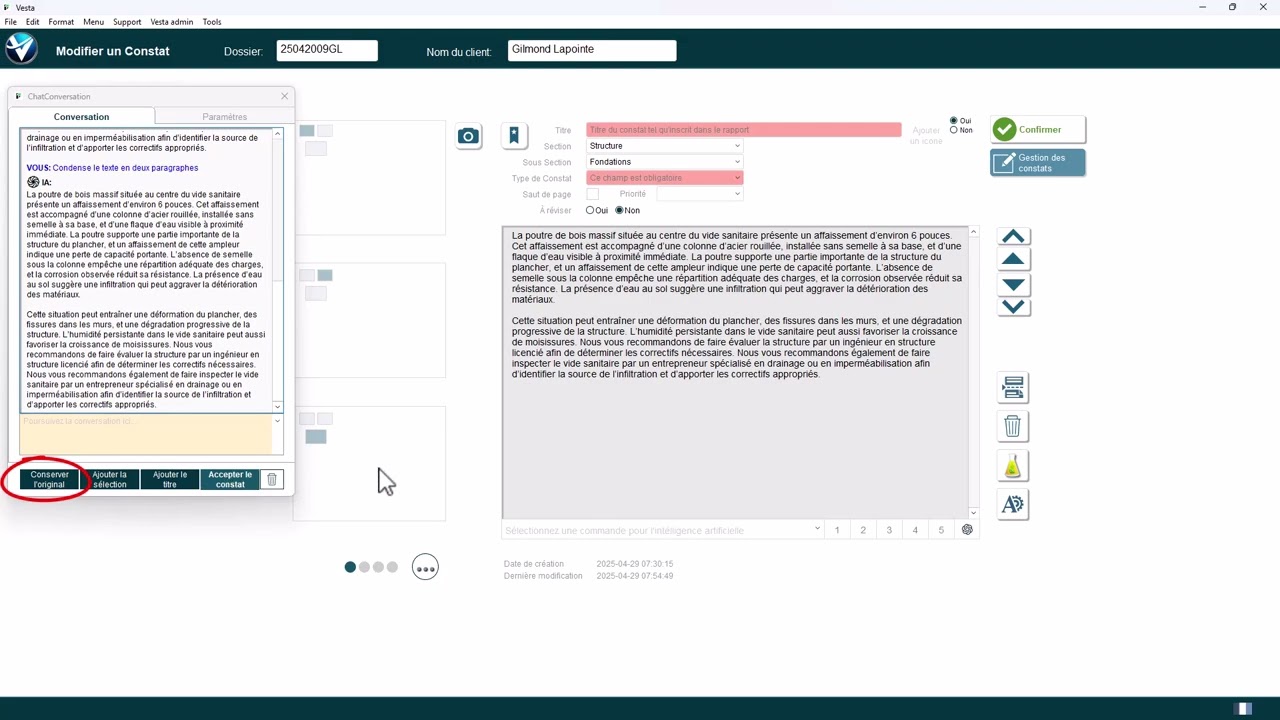
016 - Utiliser l'intelligence artificielle pour rédiger un constat
Apprenez comment utiliser l'intelligence artificielle intégrée à l'intérieur de Vesta afin d'accélérer et faciliter la rédaction de vos rapports.

02:46
015 - Créer une copie de sauvegarde
Créer un fichier de sauvegarde du dossier afin d'en conserver une copie ou pour le partager.
04:02
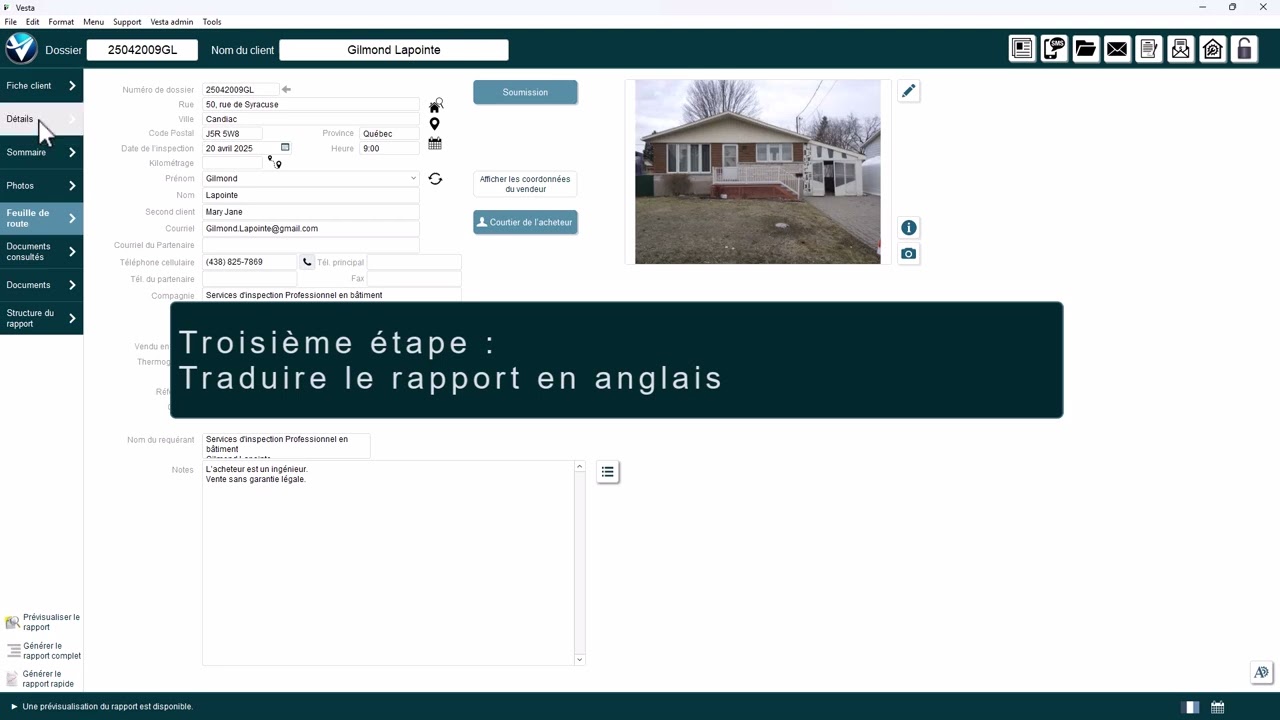
014 - Traduction d’un rapport vers l’anglais
Nous allons voir comment traduire un rapport d’inspection rédigé en français vers l’anglais à l’aide de Vesta. Suivez ces étapes simples pour activer la traduction et générer un rapport en anglais à partir d’un rapport en français.
VESTA PRO DOCUMENTATION
Explore Vesta Pro in detail
Consult the training manual and discover a concrete example of a product inspection report with Vesta Pro.
▤
Vesta Pro User Manual
A 79-page training guide on configuration, folders
inspection, findings, photos and report production.
These documents illustrate earlier versions of Vesta and may refer to older standards. For current features and requirements, see the product pages.
in particular its adaptation to the BNQ 3009-500 standard.
bottom of page